Foundations
What Is an AI Business Harness? The Operating Layer Behind Useful AI
AI can draft, sort and summarize in seconds. Turning that into finished business work takes an operating layer around the model. Here's what that layer does.
Ask an AI model to write a follow-up email and you'll have a decent draft in seconds. Ask it to handle your follow-ups and things get complicated fast.
Which customer? Has anyone already called them? Is the estimate still open? Who's allowed to send the message? Where does the result get written down? The model can't answer those questions on its own, because they aren't about language. They're about how your business runs.
That gap between "AI that can write" and "AI that can help get work done" is what an AI business harness fills.
Explore the complete guide to controlled AI workflows, business harness components, and practical use cases.
Read the AI business harness guide →The short definition
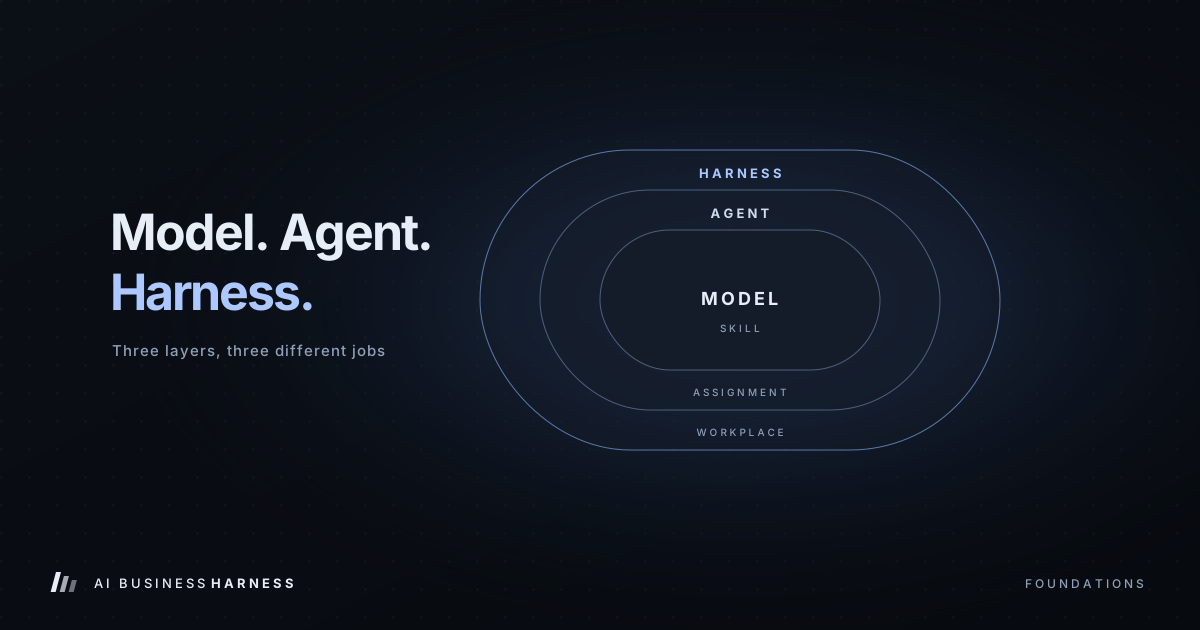
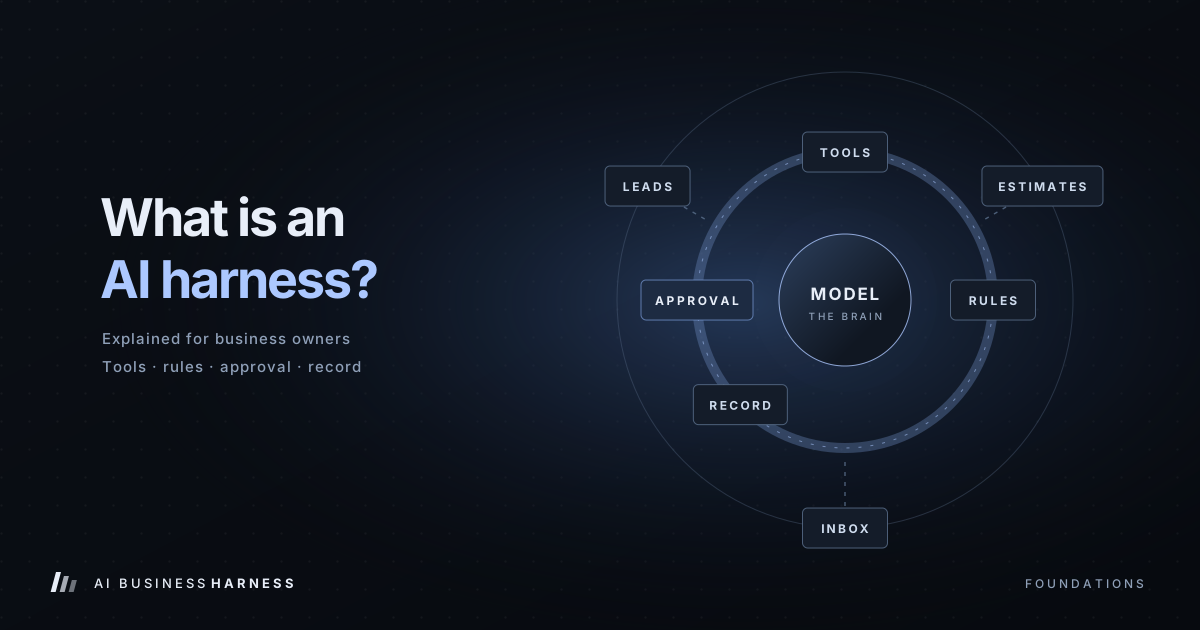
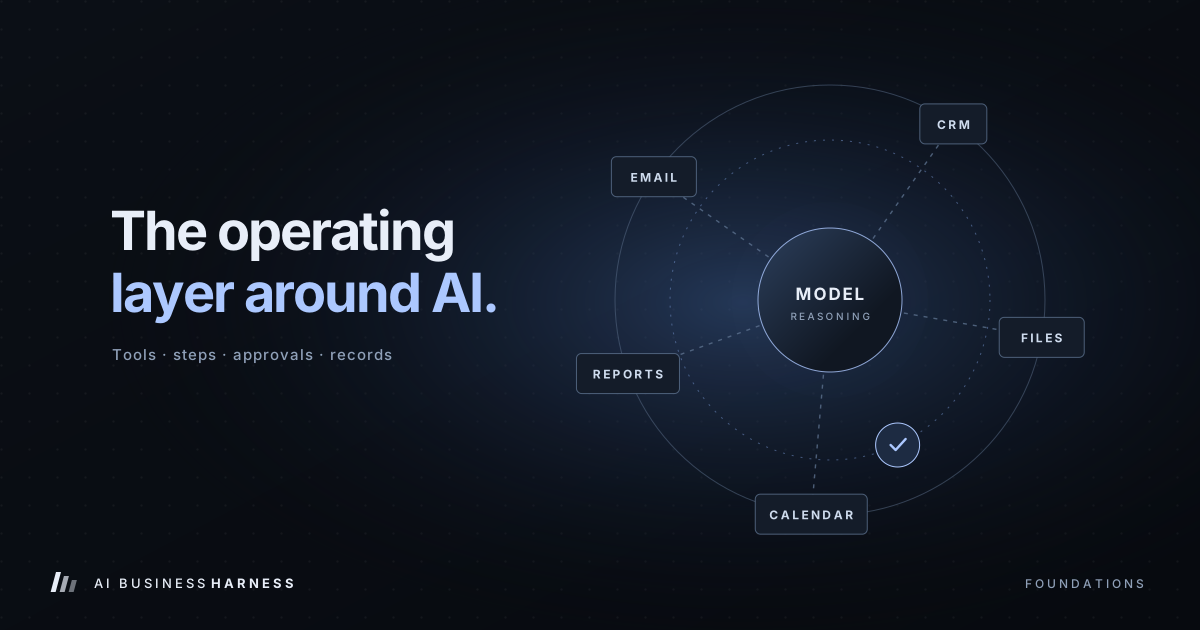
An AI business harness is the operating layer around an AI model. It connects the model to the business tools it's allowed to use, walks it through a defined sequence of steps, stops for a person when a decision matters, checks whether each step actually worked, and keeps a record of everything that happened.
The model brings the reasoning. The harness brings the structure, the limits and the accountability.
A useful way to picture it
Think of a skilled new hire on their first day. They're smart and they learn fast. But before they can be useful, someone has to give them:
- A login to the right systems, and only the right systems
- A clear description of the job and the order things happen in
- Rules about what they can decide alone and what needs sign-off
- A place to keep notes so tomorrow starts where today ended
- A way to flag problems instead of quietly guessing
Nobody would call that onboarding "replacing the employee." It's what makes the employee effective. A harness plays the same role for an AI model.
What a harness actually does
1. Connects approved tools, with limits
A harness is how AI reaches your inbox, CRM, spreadsheets, scheduling tool or file storage. The important word is approved. An assistant that drafts estimate follow-ups needs your estimate list and your email drafts folder. It does not need payroll, bank feeds or every shared drive in the company.
2. Runs the work in steps
Real tasks are chains, not single actions. A follow-up might mean: find the open estimate, check the last contact date, look up the customer's name and job, draft a message, wait for approval, then log the outcome. The harness moves the work from one step to the next and knows where it left off if something interrupts it.
3. Enforces permissions and approvals
A harness decides what the AI may read, what it may prepare, what needs a human yes, and what it may never do. For most small businesses, a sensible starting rule is simple: AI prepares, people approve anything a customer will see.
4. Keeps the right context in view
Long tasks generate a lot of noise: earlier messages, tool output, records that turned out not to matter. A harness keeps the current task, the relevant rules and the important history in front of the model, and leaves the clutter out. That's a big part of why harnessed workflows behave more consistently than ad-hoc prompting.
5. Verifies results
"The tool said OK" isn't the same as "the record was updated." A well-built harness checks: Did the draft actually save? Did the CRM field change? Did the external system return an error? Unverified work is how silent failures happen.
6. Leaves a record
Every run, approval, rejection, retry and exception gets logged. That record is how you find out what happened last Tuesday, and how the workflow gets better over time.
What it looks like in a real workflow
Here's an open-estimate follow-up at a service business, before and after.
Without a harness, the process depends on someone remembering: an estimate goes out, it sits, someone eventually notices, writes something from scratch, and maybe notes it in the CRM.
With a harness, the steps are explicit:
- Open estimates older than a set number of days are found automatically.
- Customer, job and last-contact details are pulled together.
- A follow-up is drafted in your voice.
- The draft lands in a review queue for a person.
- Once approved, it's sent and the CRM is updated.
- The result, and anything unusual, is recorded.
Your team still makes the calls that matter. They just stop spending time on the parts that don't need their judgment.
What a harness doesn't do
It doesn't make an AI model infallible. Models can still misread a request or produce a confident wrong answer. What a harness changes is the blast radius: grounded data, narrow permissions, validation checks, approval gates and stop conditions keep a mistake from quietly turning into an action in the real world.
It also isn't a reason to rip out your software. A good harness is built around the tools you already use.
Where to start
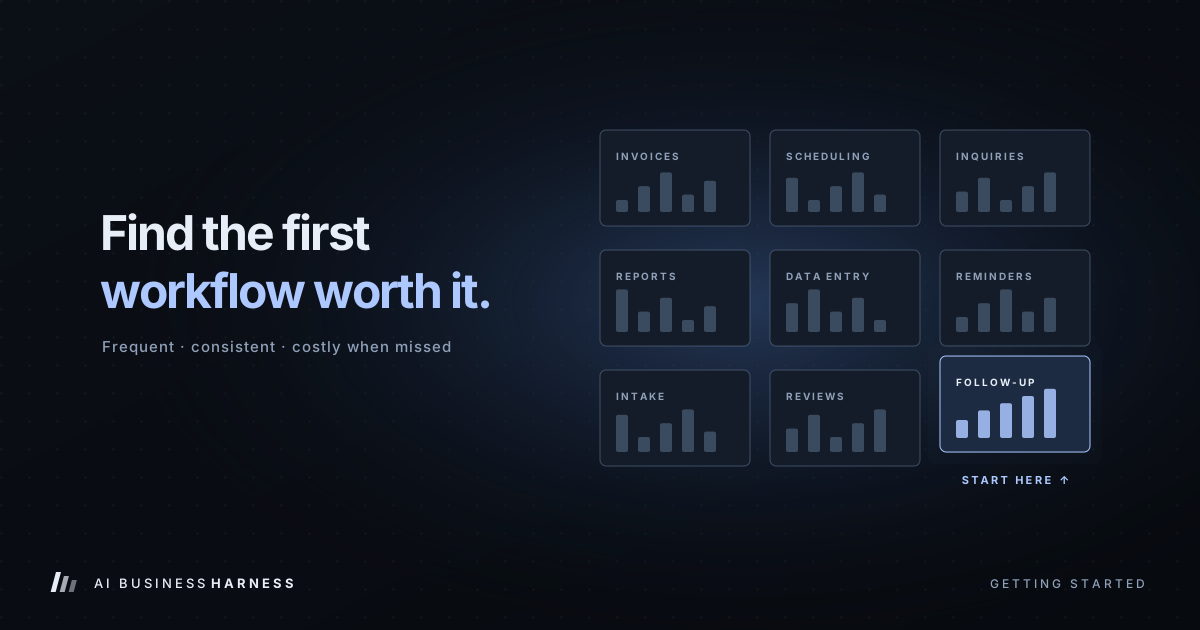
Pick one repetitive task that's costing you time or slipping through the cracks: estimate follow-up, new-inquiry triage, appointment requests, record updates. Measure how it works today. Then design a harness around that single workflow, test it on sample data, and expand only once it has earned trust.
That's exactly how we work at AI Business Harness: one workflow, a clear baseline, human approval built in, and a record of everything the system does.
Industry background on agent harnesses: Microsoft Learn: Agent Harness, Databricks: What Is an AI Agent Harness?, Salesforce: What Is an Agent Harness?