Industry Guides
AI Intake for Personal Injury Law Firms: Answer Every Call, Promise Nothing
Injury calls come at night, on weekends and right after something has gone wrong. An AI front desk can answer every one and collect the basics for your intake team. It must never evaluate the case, discuss deadlines or suggest what a claim is worth.
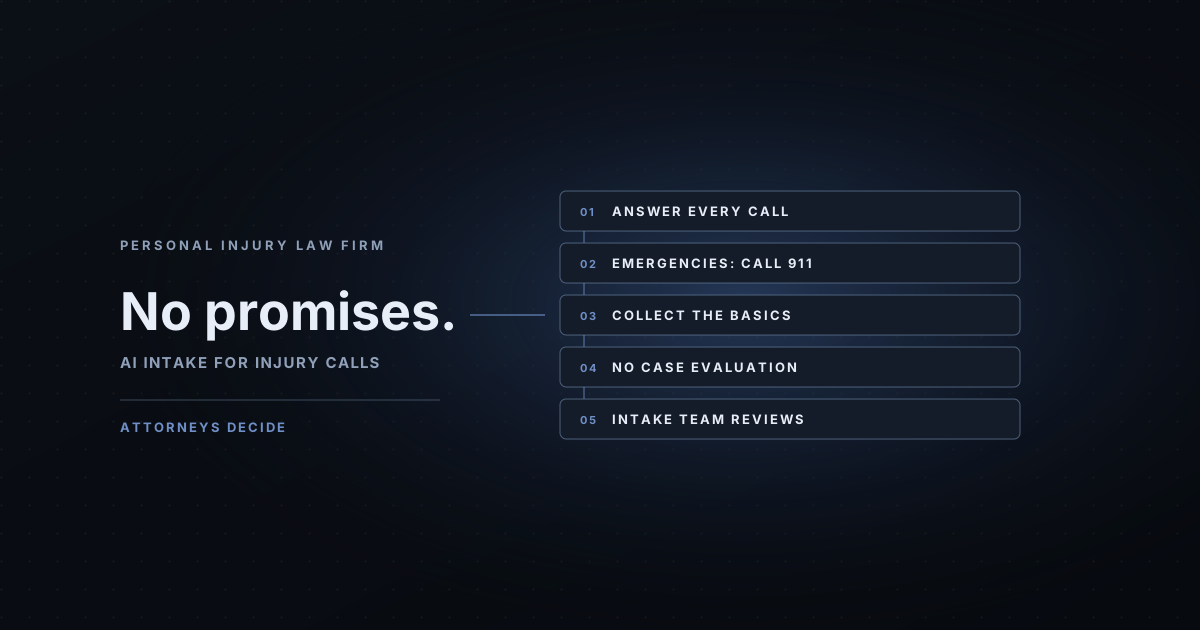
A personal injury firm's phone rings when people are having a bad day. Someone was hurt in a crash, fell at a store or got injured at work, and they're calling the firm they saw on a billboard or in a search result. If that call goes to voicemail at 9 p.m. on a Saturday, the caller can just call the next firm.
An AI front desk can answer every one of those calls. The hard part isn't answering. It's what the AI must never say: that the caller has a case, that the other driver was at fault, how much a claim is worth, or how long they have to file. Any of those is legal advice, and some could hurt the caller or the firm.
If you want this set up and run for your firm, see our AI receptionist for law firms page. It covers personal injury, family law, estate planning and probate practices, with the same rule: the AI never gives legal advice.
This article describes how we'd set up AI intake for a personal injury practice. It isn't legal or ethics advice, and it makes no promises about case results. Have a supervising attorney and your ethics counsel review every word the AI says before it takes a call.
Prefer to have it built for you? AI Business Harness is a managed service that builds and runs workflows like this on the software you already use, with human approval on important actions. Book a 20-minute Fit Call, or talk to the live voice demo to hear our AI front desk first.
Safety comes before intake
Some callers are still at the scene or still hurt. The first rule in the script handles that before any intake question:
If the caller describes an emergency, an injury that needs care now,
or a danger that is still happening:
- Tell them to hang up and call 911 now.
- Do not ask intake questions first.
- Do not give medical advice.
- Log the call as URGENT for the intake team.
Example only, written for this article. Adapt it to your business and have it reviewed before use.
What the AI collects, and what it leaves alone
Collect enough for your intake team to call back prepared, and no more. A short, fixed list works better than a free-form conversation:
- Name and best callback number, and a good time to call
- Type of incident (vehicle, fall, workplace, other) in the caller's own words
- The date and the state where it happened, if the caller offers them
- Whether they already have a lawyer for this matter
- Names of other people or businesses involved, so your team can run a conflict check
- How they heard about the firm
It doesn't ask for medical records, Social Security numbers, insurance policy numbers or a detailed account of injuries. Those come later, with your team, if the firm takes the matter.
The off-limits list
A helpful AI wants to reassure people. In injury intake, reassurance easily becomes advice. An example of what the assistant should refuse and hand to a person:
Never do these. Say an attorney or intake specialist will call back:
- Say whether the caller has a case or a strong case
- Say who was at fault
- Estimate what a claim is worth, or mention past results
- Discuss filing deadlines or how long the caller has
- Say the firm will represent them, or that they are now a client
- Explain fees beyond: "Our attorneys explain fees during the consultation."
- Tell the caller what to say to an insurance company
- Suggest delaying or skipping medical care
Example only, written for this article. Adapt it to your business and have it reviewed before use.
Three workflows that help an injury practice
1. After-hours and overflow intake. The AI answers, follows the safety rule, collects the basics and creates a record in your intake software. Your intake team sees a short summary first thing, with urgent calls flagged.
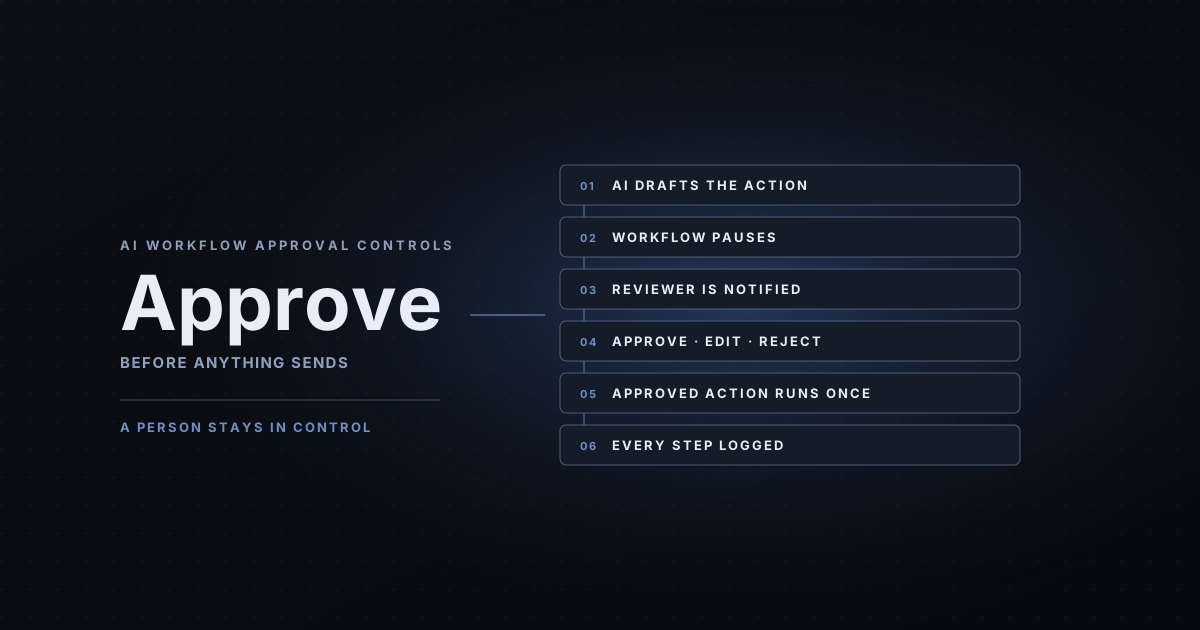
2. Missed-call follow-up. When a call drops or goes unanswered, the workflow drafts a short text or email asking the caller for a good time to talk. A person approves it before it's sent, because messages to prospective clients can fall under your state's rules on lawyer communications.
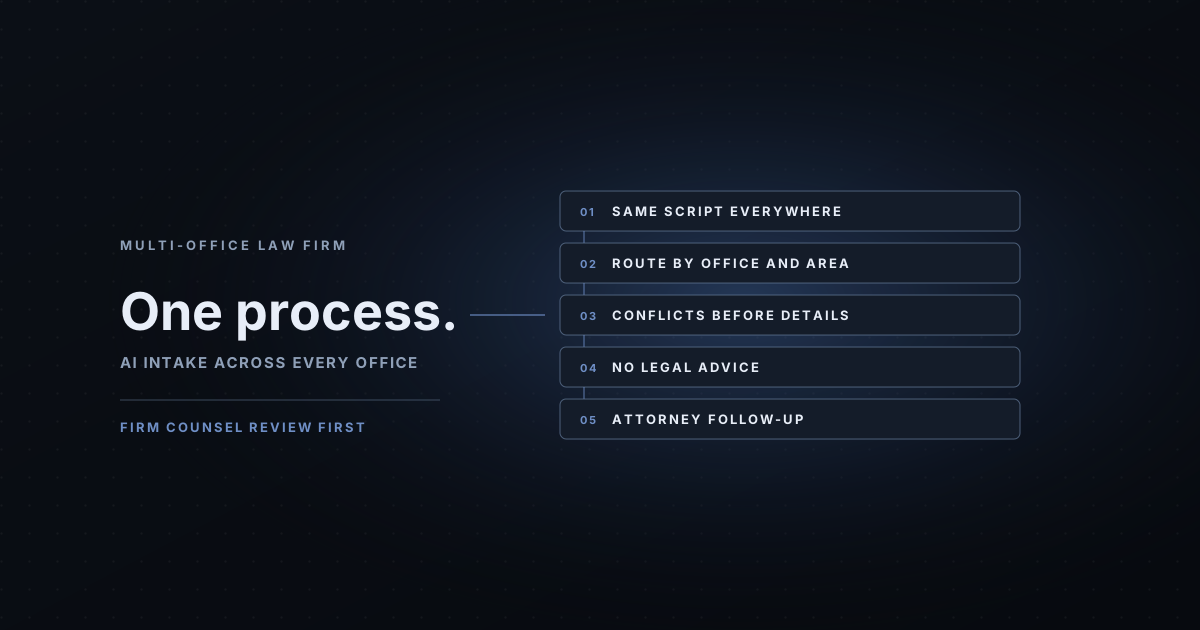
3. Intake summary and routing. The AI's summary goes to the right intake specialist or office by case type, with the conflict-check names listed separately. For several offices, see law firm intake automation across offices.
Personal injury intake software and AI: how they fit
Intake software and legal CRMs track leads, assign them and record what happened. An AI front desk is the part that answers the phone and fills in that record. You don't need to replace your intake software to add AI, and you shouldn't buy new software just because it has an AI label.
AI Business Harness is a managed service that connects AI intake to the software you already use, through its documented API or an approved integration tool, with the minimum access the workflow needs. The Installation confirms which connection is supported before anything touches client data.
Test it before a real caller hears it
Run test calls that try to break the rules: a caller who asks "Do I have a case?", one who asks how long they have to sue, one who is clearly still hurt, one who already has a lawyer, and one who wants a fee quote. Every one should end in a polite handoff, not an answer. Our free AI receptionist prompt shows the test-call structure we use, and you can ask the live voice demo to play a law firm's front desk.
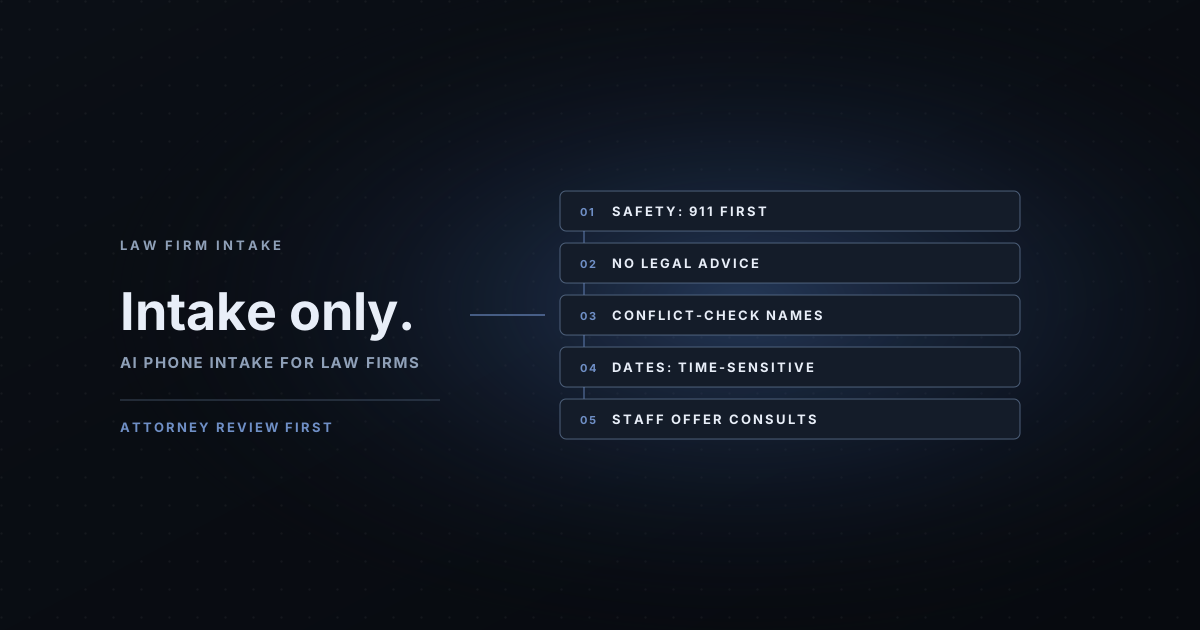
For the general rules that apply to any firm, start with AI intake for law firms.
What a 30-Day Installation looks like
AI Business Harness is a managed service that builds, tests and maintains these workflows, with human approval on important actions. A 30-Day Installation starts with one intake path, such as after-hours injury calls that create a record in your intake software for your team to review. We measure how the work runs today, build against your approved facts and rules, run the test calls with you, then put it on a controlled share of real traffic. At day 30 you keep it, adjust it or stop it.
The 30-Day Installation is from $5,000 one-time for up to two defined workflows. Managed operations are from $5,000 a month on a 90-day starting term, covering monitoring, fixes, fact updates and re-testing. Third-party usage and software are billed separately. We don't promise results before measuring your baseline. Book a 20-minute Fit Call and we'll tell you honestly whether your workflow is worth automating.
Related industry guides
- AI Intake for Law Firms: What It Can Do, and What It Must Never Say: the intake basics for a single office: conflicts, consultations and the off-limits list.
- AI Intake for Multi-Office Law Firms: One Consistent Process Across Every Office: one intake process and routing table across several offices.
- AI Intake for Insurance Agencies: Quote Requests and Policy Service, Never Coverage Promises: quote and service calls with no coverage advice.
Frequently asked questions
Can an AI answer intake calls for a personal injury firm?
Yes, within limits. It can say it's an AI, collect contact details and basic facts about what happened, flag urgent calls and create a record for your intake team. It shouldn't evaluate the case, discuss fault, deadlines or value, or say the firm will take the matter.
Can the AI tell callers whether they have a case?
No. That's legal advice and belongs with an attorney. The AI should say an attorney or intake specialist will review the details and call back, and give no opinion on the case.
What about filing deadlines?
The AI shouldn't discuss them. It can record the date of the incident if the caller offers it so your team can review it quickly. Any question about how long someone has should go to an attorney.
Does it replace our personal injury intake software?
No. Intake software stores and tracks leads. The AI front desk answers the call and fills in the record. AI Business Harness connects to the intake software you already use where it has a supported integration, and the Installation confirms which one.
Is this legal or ethics advice?
No. Rules on lawyer advertising, client communication and solicitation vary by state. Have your ethics counsel review the script, the disclosures and any follow-up messages before use.